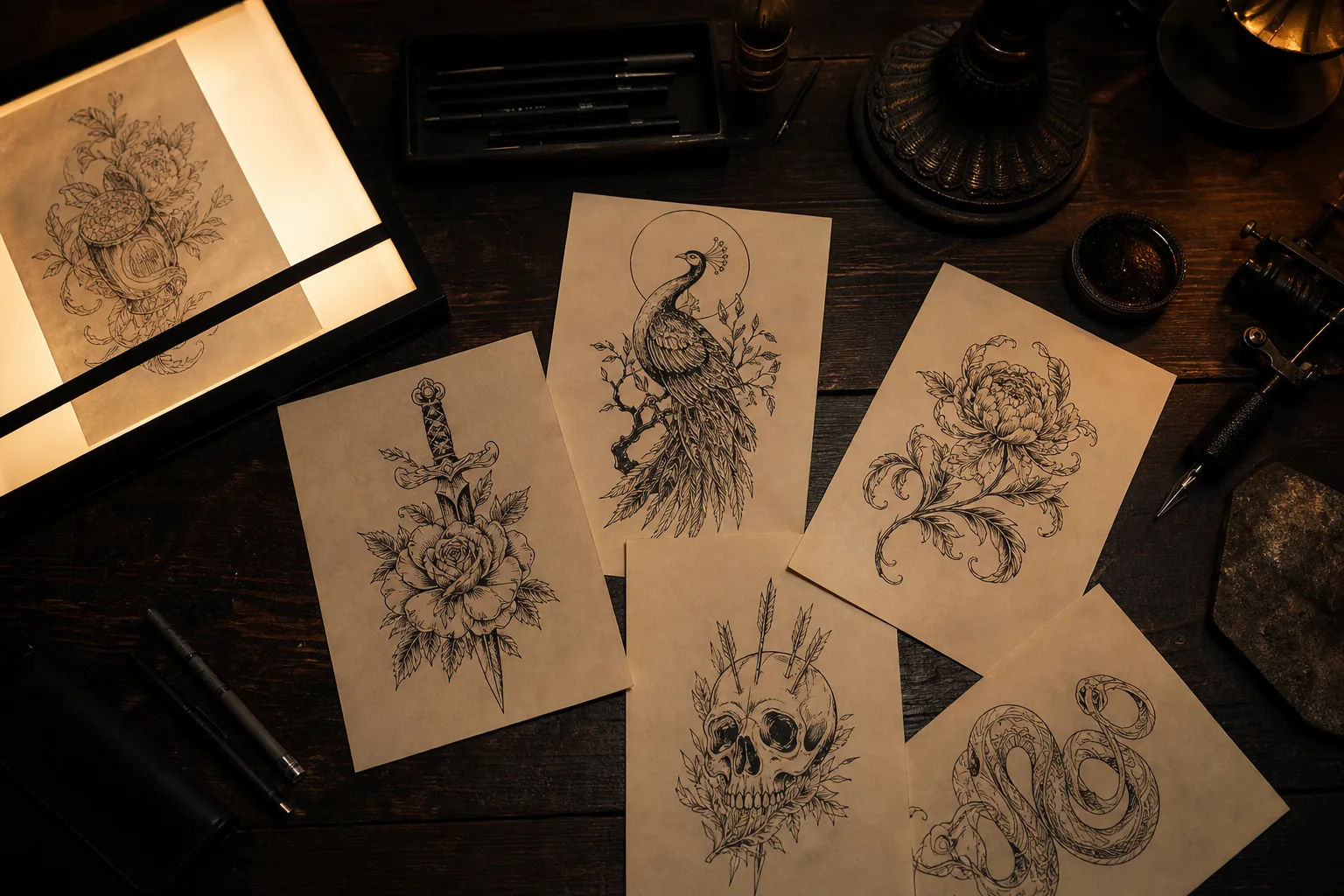
AI TATTOO GENERATOR
The AI Tattoo Generator built for a tattoo you’ll actually keep.
Start with the meaning. The AI advisor helps shape placement and style before you choose whether to generate.
Need a starting point?
Start from a direction
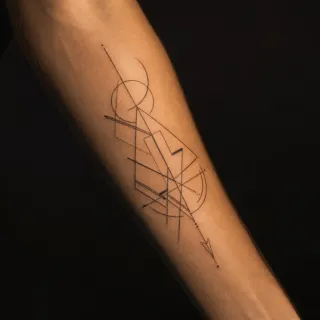
Real directions from this studio — and how one looks previewed on skin before anything is permanent.
See what the AI tattoo generator creates
10 tattoo styles to compare, with finished directions you can preview on real skin before you commit to anything.
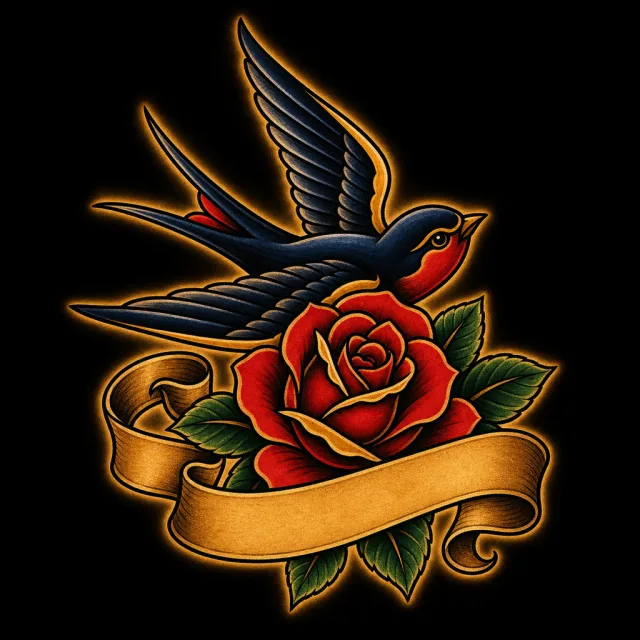
Traditional
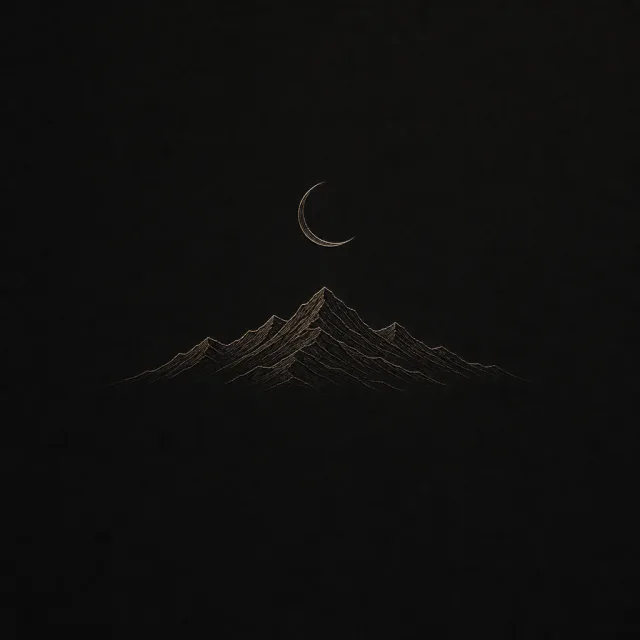
Minimalist
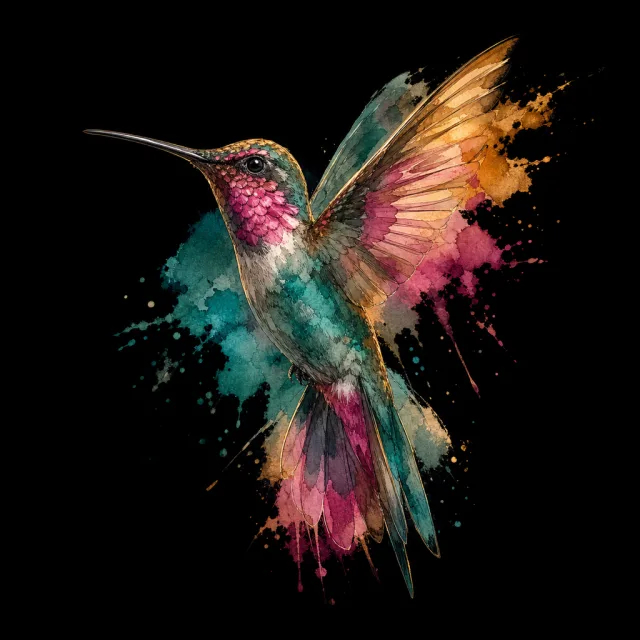
Watercolor
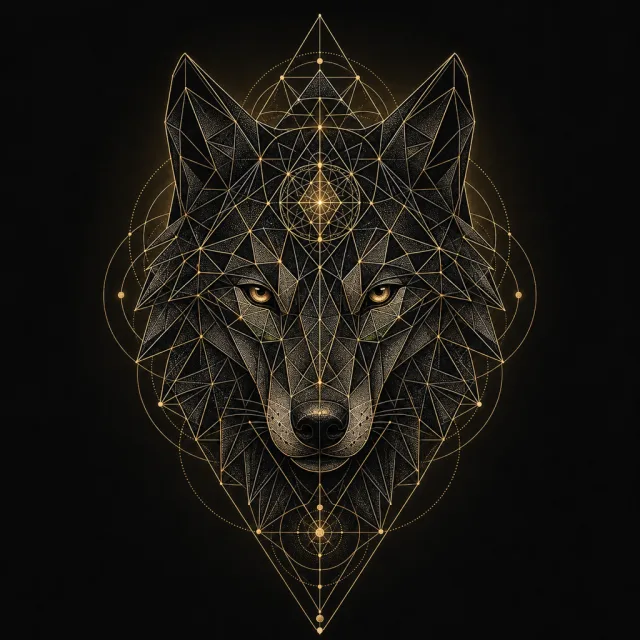
Geometric
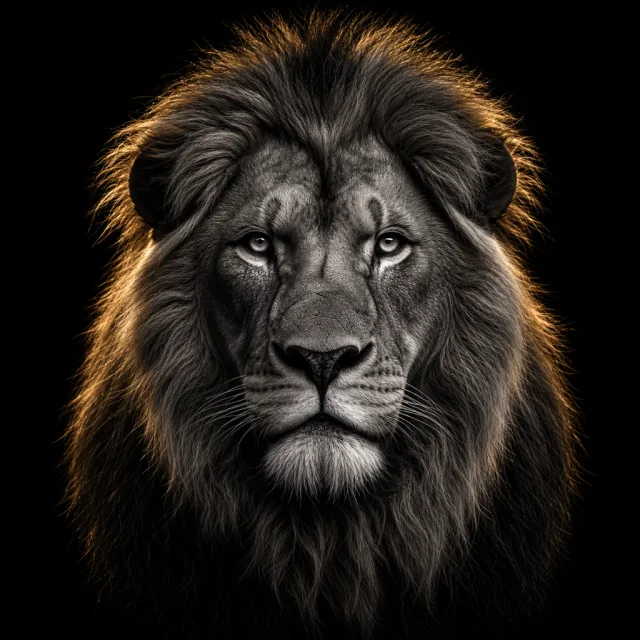
Realistic
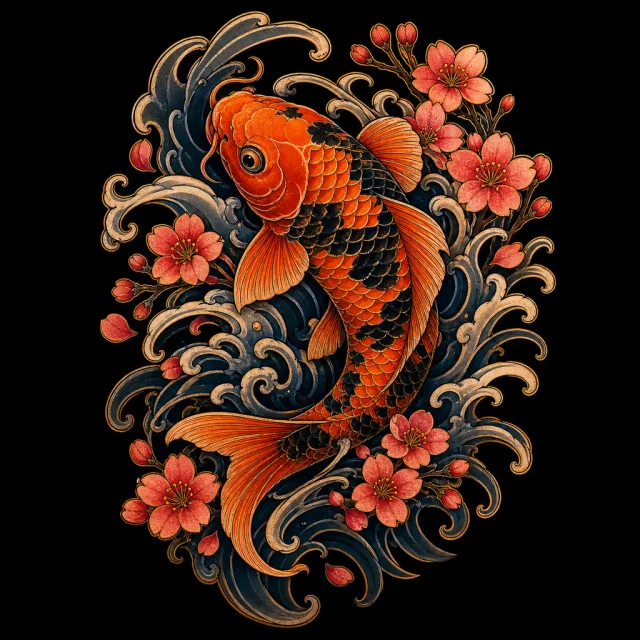
Japanese
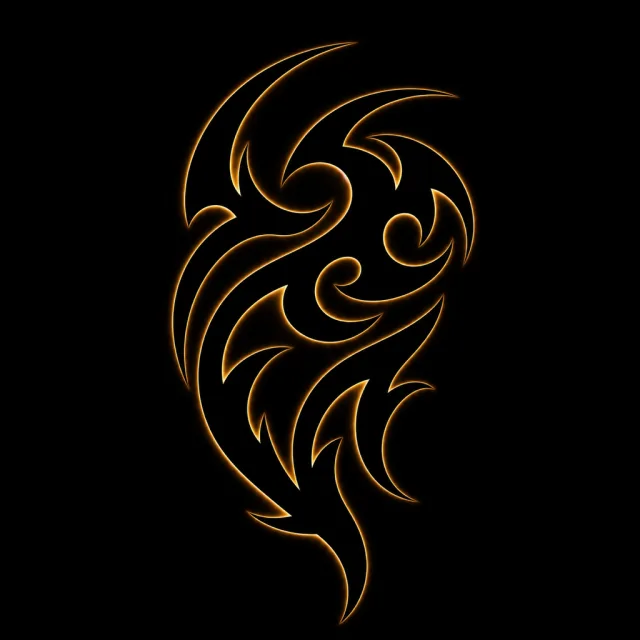
Tribal
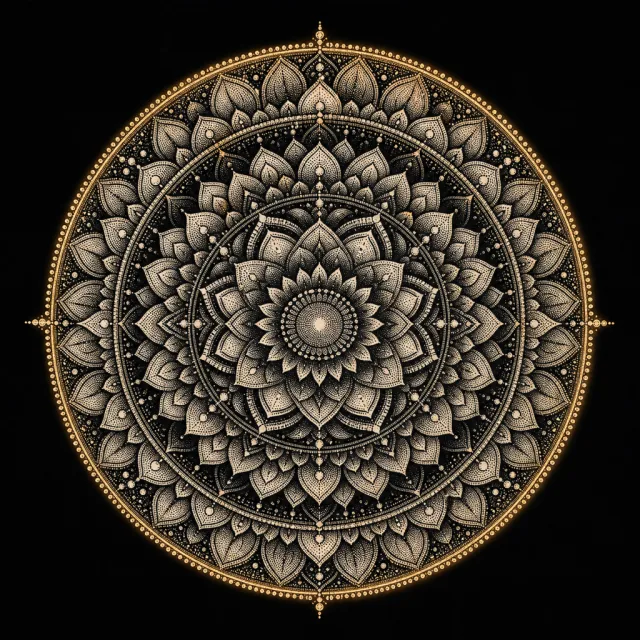
Dotwork
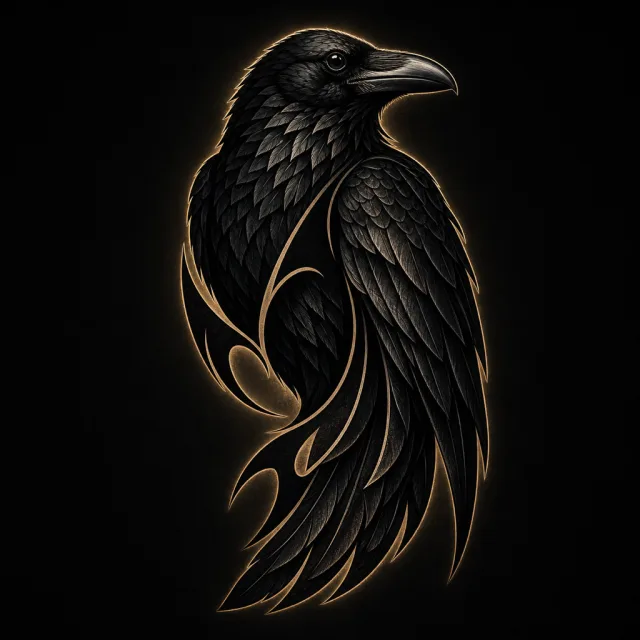
Blackwork
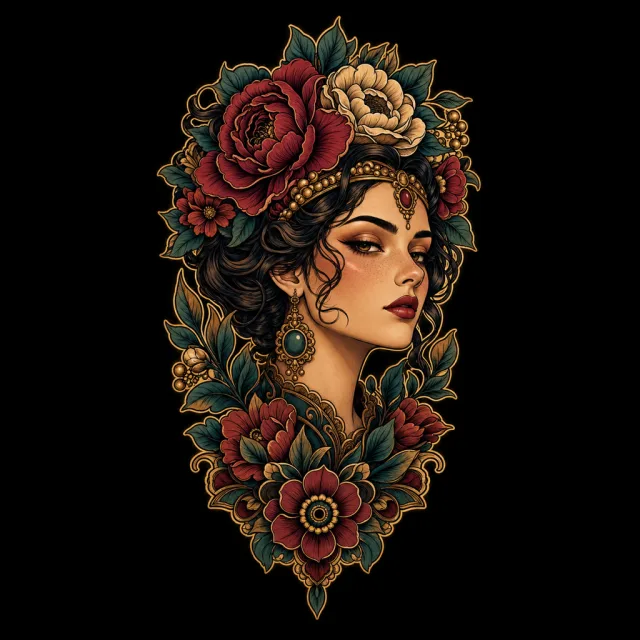
Neo-Traditional
Preview it on real skin before you book
Every design can be placed on a photo of your own body first — see the fit before it’s permanent.
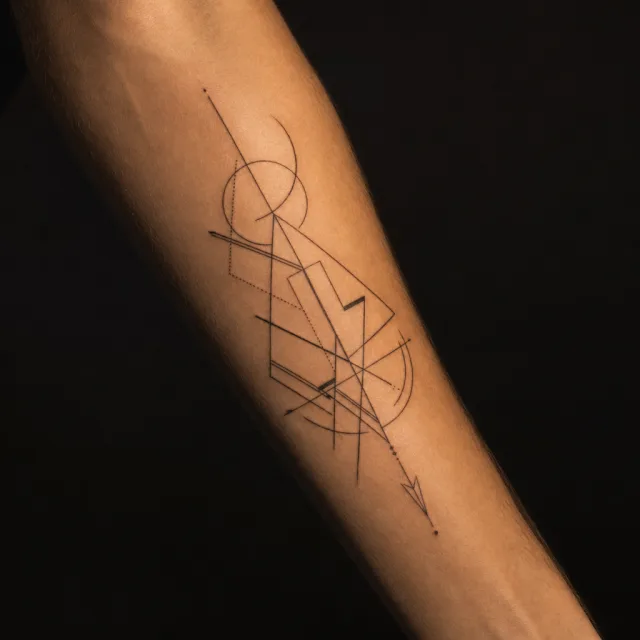
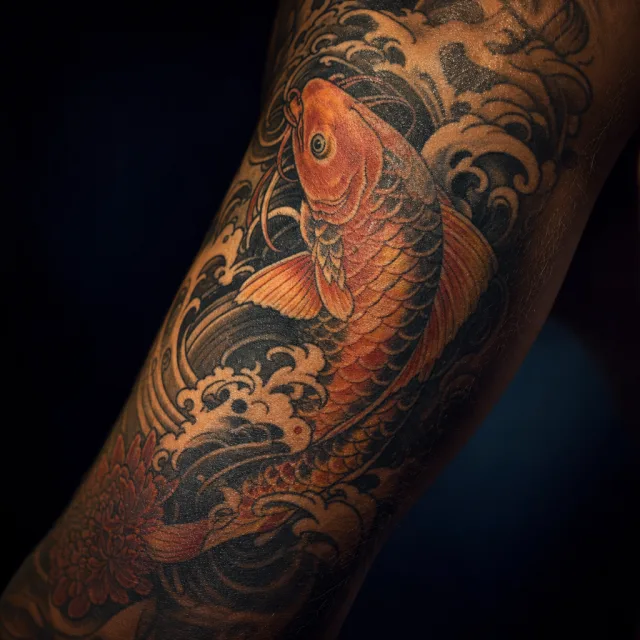
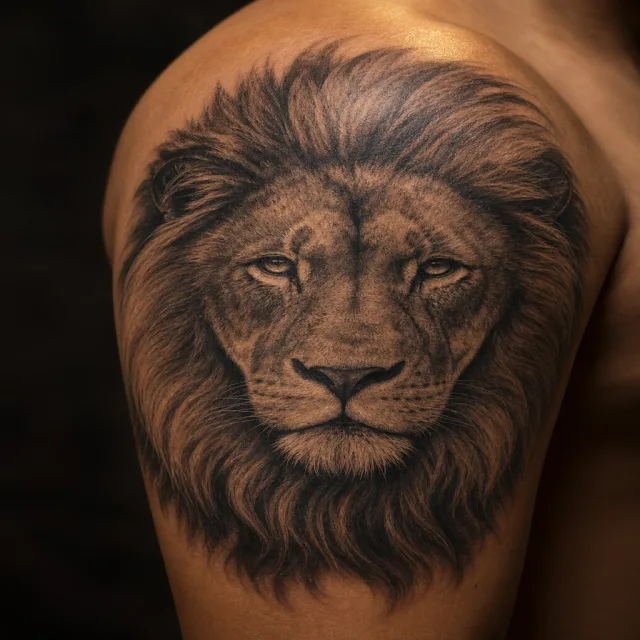
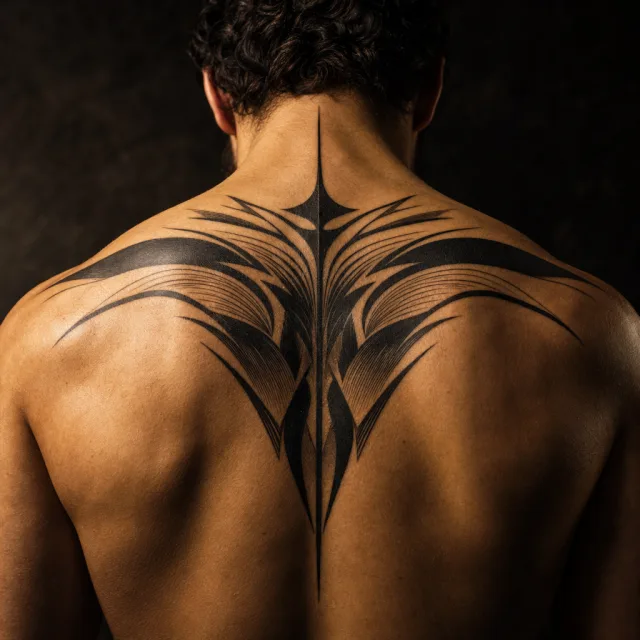
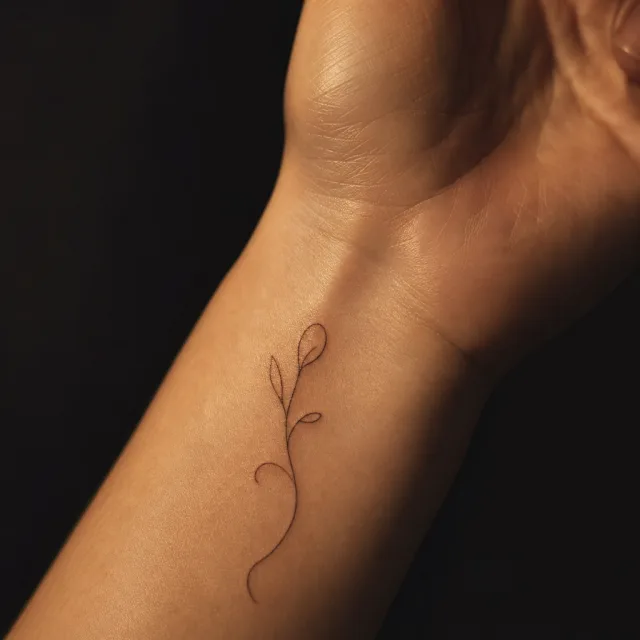
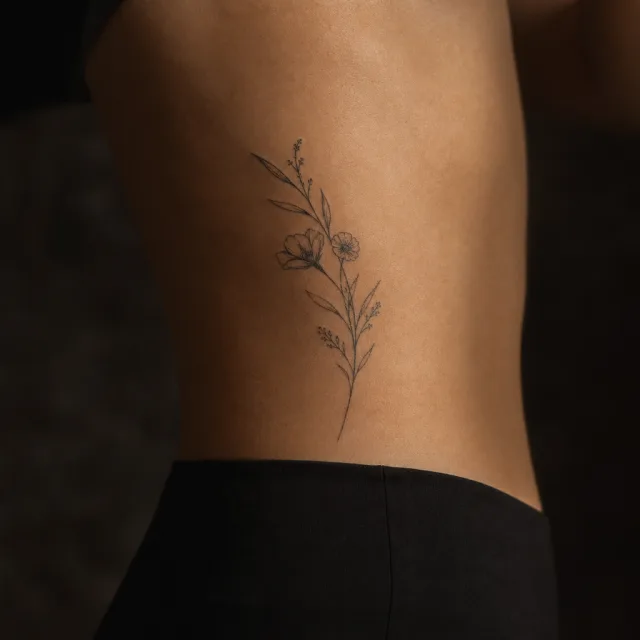
Free to open — the advisor costs nothing. A round of 4 directions costs 4 credits, and your 8 free credits cover two rounds.
How the AI tattoo generator works
MyInk starts like a simple generator, then gives you clear next steps when a design is worth exploring further.
Start with 8 Credits
Make four genuinely different directions, then use the second free round on the one that feels closest.
Choose and Continue
Branch into four more ideas, polish the design, or change one selected detail without starting over.
Check the Real Decision
After choosing a design, compare placement and scale on your body, then take it to a professional artist.
Your 8 free credits cover two full rounds. Nothing is charged until you approve the brief.
“My artist will refuse the AI image.”
Artist Brief PDF
Stencil lines, weight notes, and placement geometry — not a screenshot.
You walk in with a clearer starting point.
See a real brief →
“I’ll regret this in 10 years.”
Aging Simulator
Day 1 → Year 20 on the same design. Free.
You can compare how the design may age before you book.
Run a 20-year preview →
“AI gets cultural characters wrong.”
Meaning Composer
A short guided story turns into symbol directions you can review — no literal kanji guess.
Honoring without being literal.
Compose meaning →
Not quite right? Mark it up on the canvas.
Circle the part that needs to change and add a short note. The edit is constrained to that area and asks the model to preserve the rest of the composition.
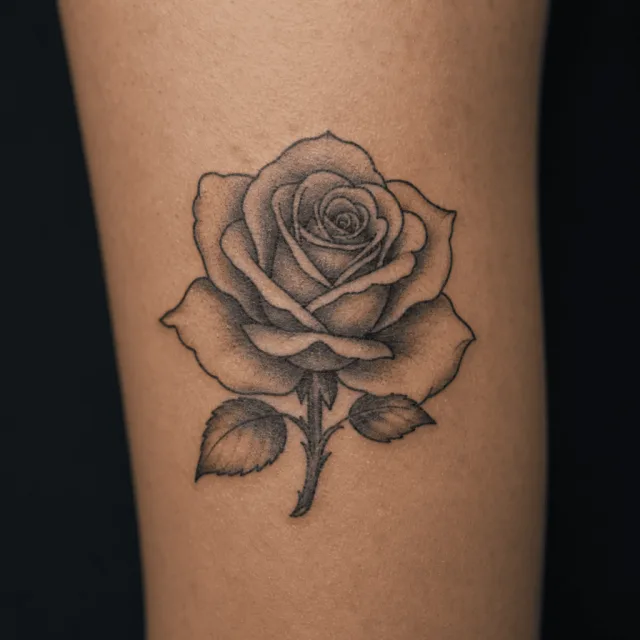 Before
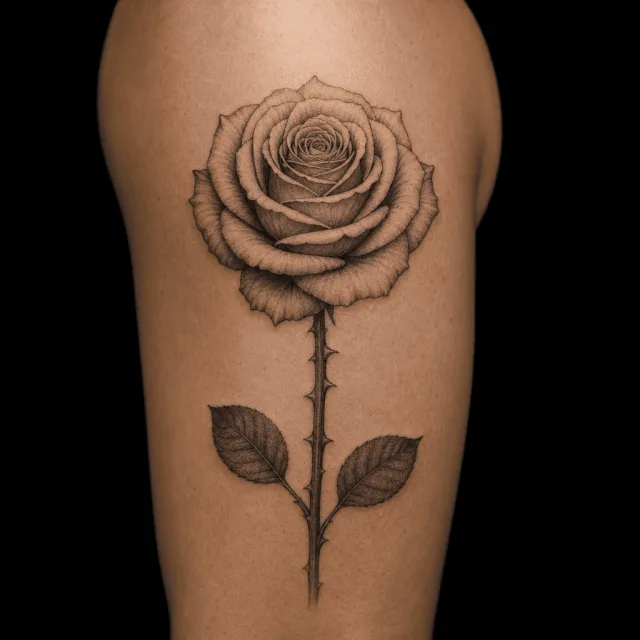 After
After
A whole-design polish or one selected-area edit uses 1 credit. The rest of the project stays available in the same version history.
Popular Tattoo Ideas
Explore our most popular tattoo design collections — each with AI generation, style guides, and placement advice.
Cross Tattoo Designs
Simple, Celtic & Christian cross tattoos
Dragon Tattoo Designs
Japanese, Chinese & Western dragon art
Rose Tattoo Designs
Classic rose tattoos in every style
Butterfly Tattoo Designs
Delicate butterfly ink for all placements
Sleeve Tattoo Designs
Full and half sleeve ideas
Simple Tattoo Designs
Minimalist ideas for first tattoos
Flower Tattoo Designs
Floral tattoos from roses to lotuses
Tattoo Designs for Men
Bold masculine tattoo inspiration
AI Tattoo Styles: 10 Curated Looks
From bold Traditional to delicate Minimalist, find the perfect style for your next tattoo.
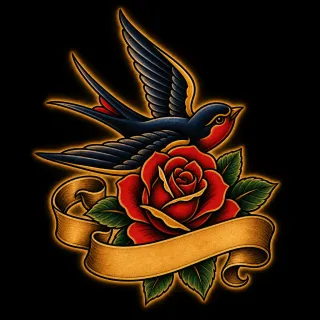
Traditional
Bold outlines, vibrant colors, iconic American tattoo imagery
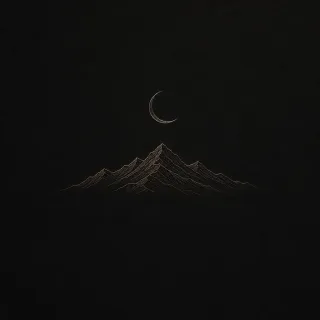
Minimalist
Fine lines, simple shapes, clean and elegant designs
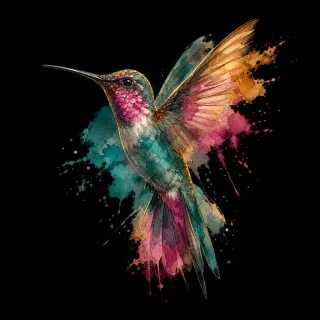
Watercolor
Soft color splashes with a painterly artistic effect
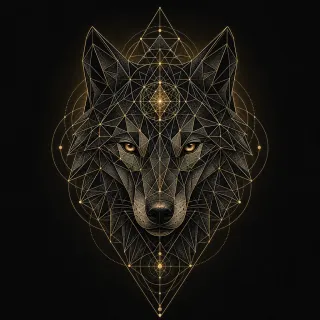
Geometric
Sacred geometry, precise patterns, mathematical precision
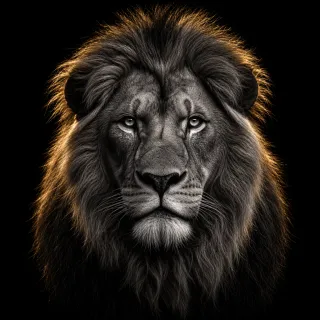
Realistic
Photo-realistic detail with expert shading and depth
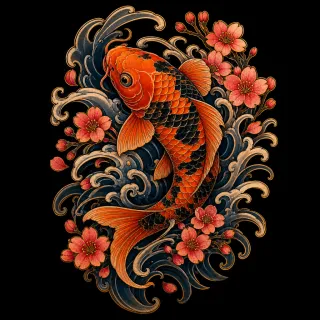
Japanese
Traditional irezumi with waves, dragons, Japanese art motifs
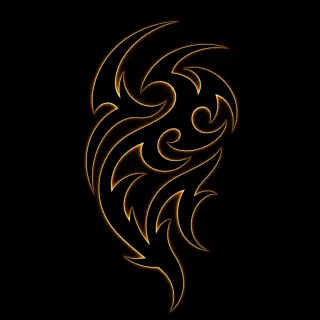
Tribal
Bold black ink with flowing patterns and cultural motifs
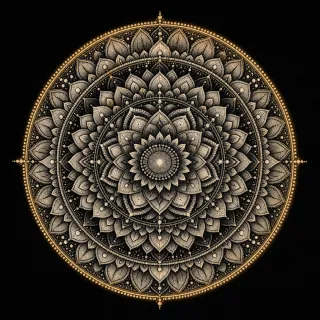
Dotwork
Intricate stipple shading built entirely from dots
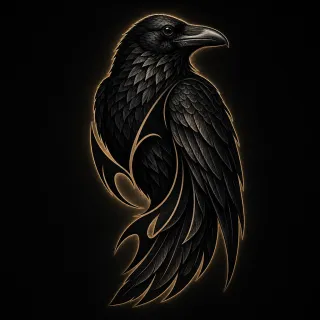
Blackwork
Solid black ink with high contrast and bold visual impact
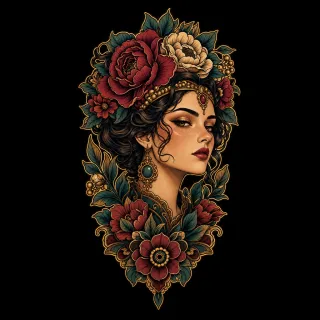
Neo-Traditional
Modern evolution of traditional with more detail and dimension
Get Inspired
Browse designs created by our community. Open any design as a reference page, then jump into generation when you are ready.
What Is MyInk.ai?
MyInk.ai is a free AI tattoo generator that turns a description into custom tattoo directions. Describe an idea, compare styles, and preview the result on your actual body — all before stepping into the tattoo studio.
MyInk supports 10 curated visual styles, from bold Traditional and intricate Japanese to clean Minimalist and expressive Watercolor. These are design references; your artist still decides what line weight, spacing, and scale will work on skin.
The virtual try-on feature uses your own photo to preview a design on your forearm, shoulder, back, or any other placement. When a direction is worth taking seriously, the artist-ready upgrade adds refined variants, stencil notes, and consultation prep for your tattoo artist.
Trusted Tattoo Planning Resources
American Academy of Dermatology: Tattoo Safety
Dermatologists stress that tattoo decisions should account for placement, healing, and long-term skin impact, not just the first visual impression.
Alliance of Professional Tattooists
Professional artists repeatedly recommend bringing strong references and clarifying direction before the consultation begins.
FDA: Tattoo and Ink Guidance
Federal guidance reinforces that planning, source quality, and aftercare all matter once a tattoo moves from concept to skin.
Frequently Asked Questions
Is this AI tattoo generator really free?
What AI model powers the tattoo generator?
Can I use the AI-generated tattoo designs for a real tattoo?
What tattoo styles can the AI generate?
How fast is the AI tattoo generator?
Can I preview the tattoo on my body before getting inked?
Your Tattoo Direction, Ready to Explore
Start with 8 free credits. Continue only when a direction is worth keeping.
Open the studioOpening the studio and the advisor are free — a round of 4 directions costs 4 credits.